Receive Text Messages (SMS) To Email

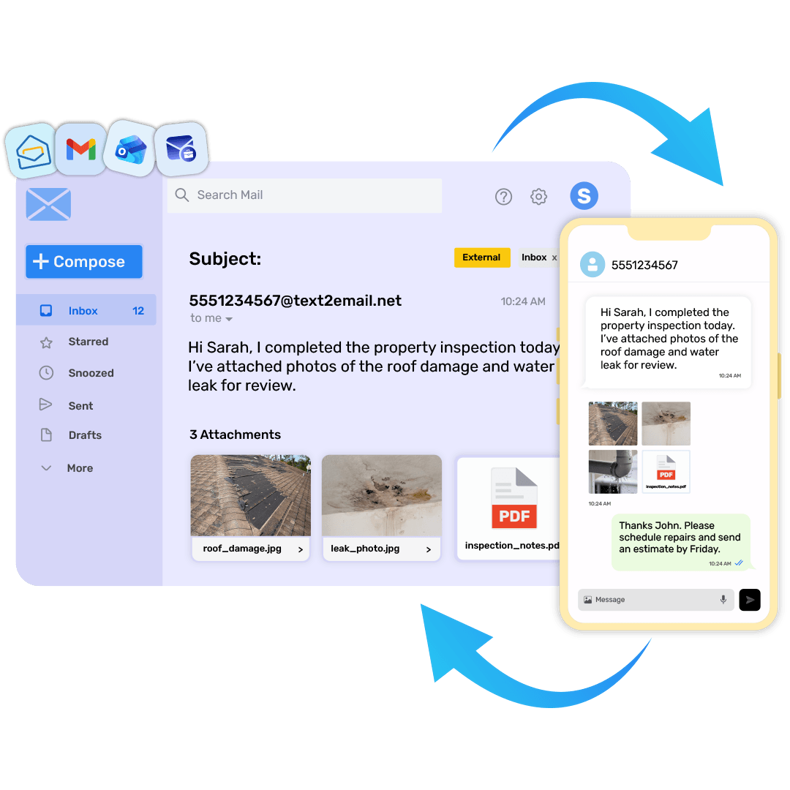
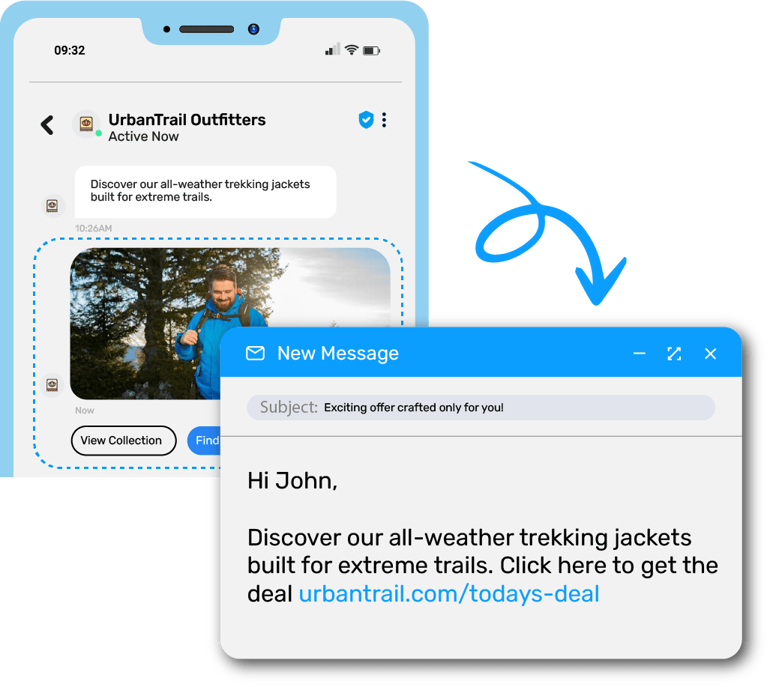
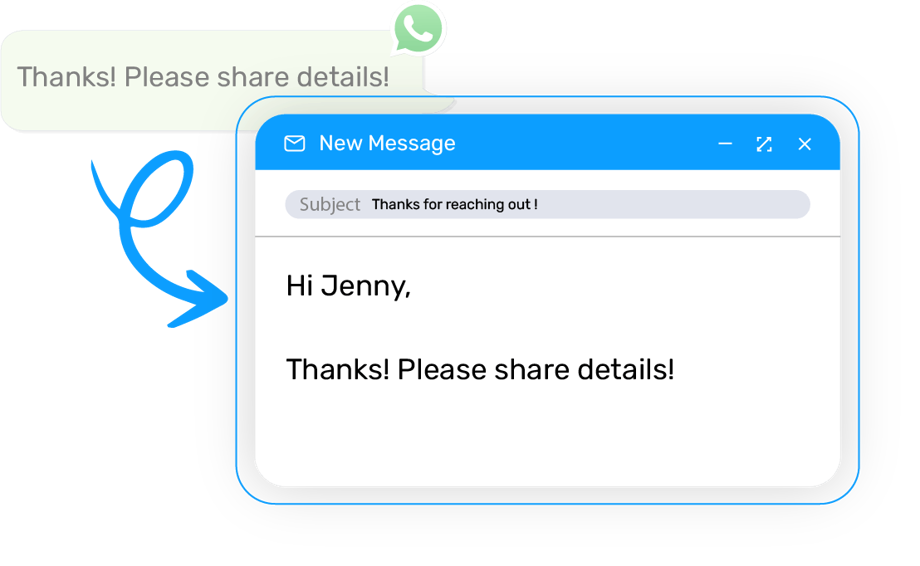
Receive text messages or picture messages to an email and send replies as a text message directly from your email box!

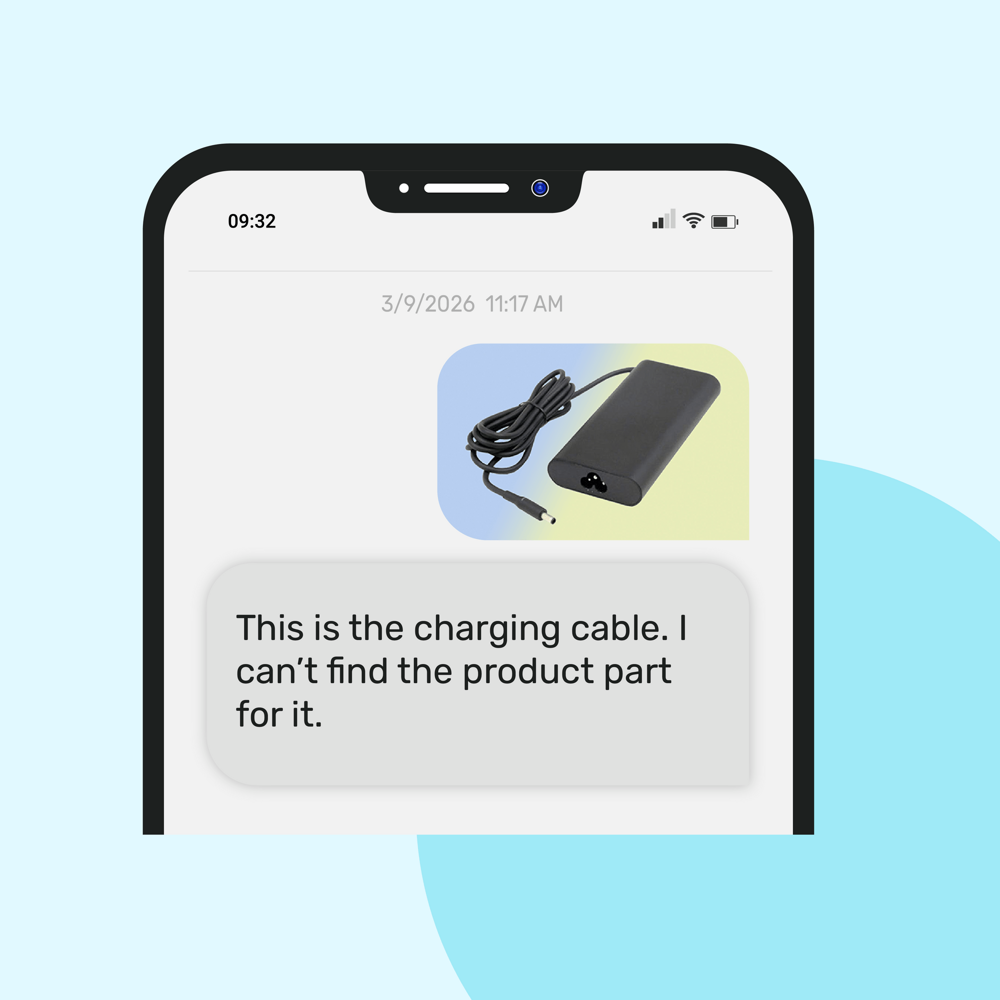
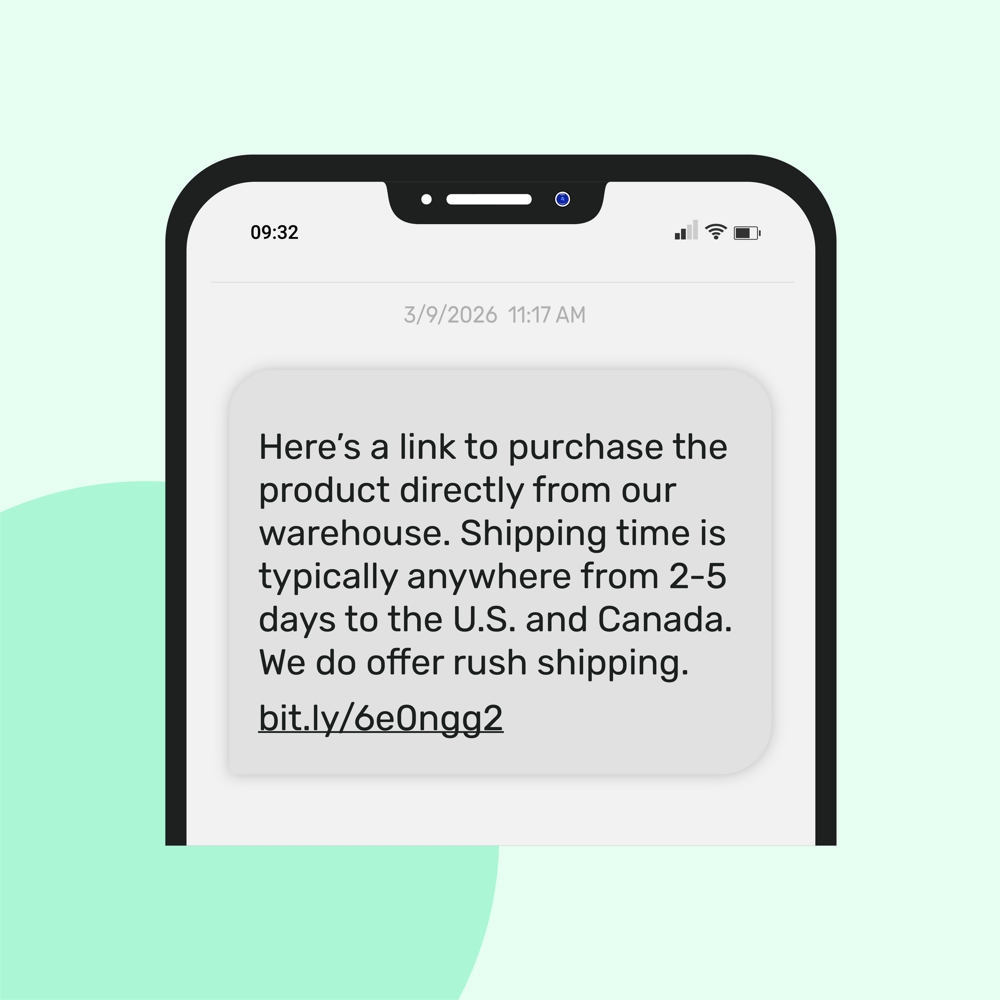
A woman successfully able to send Text to emails to book an appointment with boutique for sales on season new collection.gif

Important Update: Text-to-email Service Shutdown by AT&T, Verizon & T-Mobile

After Verizon® and T-Mobile discontinued its vText and @tmomail.net email-to-text service in late 2024, AT&T also shut down its Email-to-Text (txt.att.net) and Text-to-Email (mms.att.net) services on June 17, 2025.

This move impacts thousands of users and businesses that previously relied on vText and AT&T’s free gateways to send SMS and MMS messages via email. If you're looking for a reliable and scalable replacement, TXTImpact offers a secure, carrier-compliant solution for sending both SMS and MMS directly from your email, without needing to know the recipient’s mobile carrier.

Learn more:

  1. Why Verizon vText is discontinued and why TXTImpact is the best alternative?

  2. Why AT&T shut down Email to Text and how to switch to TXTImpact

  3. Why T-Mobile Discontinued Email to text Services?

Text to Email is a powerful communication tool that allows users to seamlessly send and receive SMS messages via their email account. With this innovative product, you can easily convert SMS messages into emails, allowing you to stay connected with colleagues, clients, and friends, no matter where you are.

Text Message to Email is incredibly easy to use, with a user-friendly interface that makes setting up and using the service a breeze. Once you've signed up, you simply forward your SMS messages to your designated email address, and they will appear in your inbox, just like any other email. You can also send SMS messages directly from your email account, making it a convenient way to stay in touch with people who prefer to communicate via text message.

Text to Email Service Benefits

One of the key benefits of Text Message to Email is that it allows you to access your SMS messages from any device with an internet connection. Whether you're using a computer, tablet, or smartphone, you can easily send and receive SMS messages via your email account, without having to switch between multiple devices or apps.

Text Message to Email is perfect for businesses that need to stay in touch with customers and clients on the go, as well as for individuals who want to keep their SMS messages organized and easily accessible. With features like automatic email archiving and customizable settings, Text Message to Email is a must-have tool for anyone who values fast, reliable communication. So why wait? Sign up today and start experiencing the benefits of Text Message to Email for yourself!

Backed by Research: Our 15-Year SMS Industry Study reveals how businesses are using texting tools like Text-to-Email to boost customer communication.

Three Steps to Begin

  • Step 1:

    Signup for a free trial account.

  • Step 2:

    Setup Text to Email campaign.

  • Step 3:

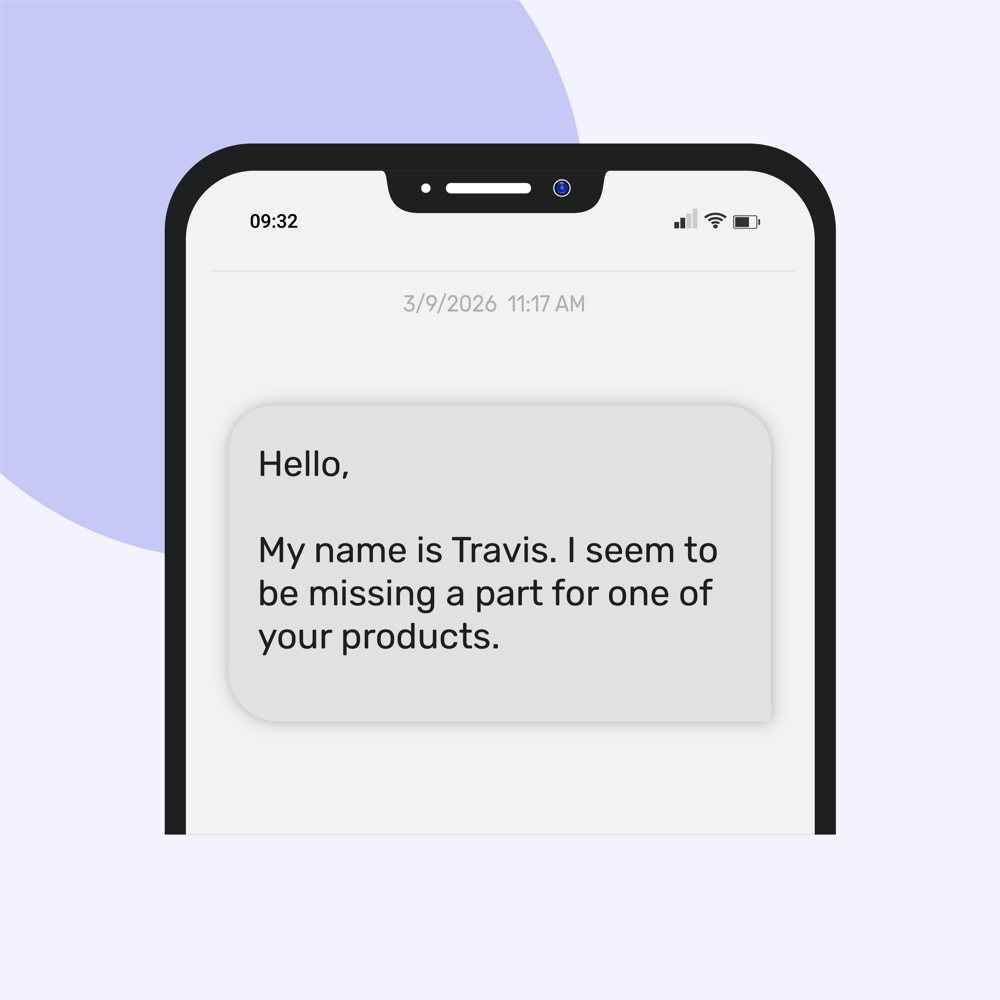
    Now Test! send a text message to assigned texting number to received an email.

  • steps to setup a new text to email campaign .gif

    Best Use Cases for TXTImpact’s Text-to-Email Service

    Discover how industries can leverage TXTImpact's innovative Text-to-Email service to streamline workflows seamlessly.

    Landline Texting

    Add Texting to your existing business landline number

    YES!! You can add texting to you existing business number. Your customers can call or text to the same number. There is no need to change your existing voice provider. Setup Text to email service to receive text messages sent to your landline as an email.

    It takes less than an hour to text enable landline numbers in most cases.

    Learn more about Landline texting number

    2FA SMS OTP via Email

    Never Miss an OTP Again – Get 2FA Codes in Your Email!

    Stop relying on personal phones for OTPs—get two-factor authentication (2FA) codes delivered directly to your team’s shared inbox with TXTImpact’s SMS-to-Email solution.

    Enhance security and streamline authentication for remote and global teams by ensuring OTPs are easily accessible without device dependency. Setup is quick, and implementation is seamless.

    Learn more about How to receive 2FA SMS OTP on Email

    Industries To Use This Service

    Call Centers

    Diversify how communication is accomplished. Digital formats create automatic logs of discussion and can free up time elsewhere.

    Trucking

    Receive information from drivers and customers alike in order to create a more streamlined process.

    Law Firm

    Texting offers a great way for clients to ask questions without having to contact you directly.

    Help Desks

    Customers no longer have to wait in a long line to have their concerns answered. Texting creates a convenient avenue

    Insurance Agents

    As is the same with law firms, insurance agents can trust texting to create an easier way to communicate to those they work with on a daily basis.

    Mortgage Agents

    Mortgage agents will find receiving e-mails from text will make them even more accessible than before while still answering on their own time.

    Realtors

    Instead of receiving calls every few minutes, realtors can store messages in their e-mail from potential clients inquiring about different subjects. This makes the agent more accessible, but doesn't interfere with their schedule.

    Regulatory Compliance

    The constant feeding of information that deals with how a business is operating will be perfectly filtered and handled by our service.

    FAQ's

    Can a text message be sent to an email address?

    Yes, with TXTImpact’s Text-to-Email service, Businesses can send a text message directly to an email address. Simply text your message to a designated number, and it will be automatically forwarded to the recipient’s email inbox no special setup or app required.

    How do I convert text to email?

    You do not need to convert text to email manually TXTImpact’s Text-to-Email service does it for you. All you have to do is: Step 1: Sign up for a free trial account. Step 2:Set up a Text-to-Email campaign. Step 3:Test it! Send a text message to the assigned texting number to receive an email.

    Is there a limit to the number of text messages that can be sent to an email ID?

    Yes, there may be limits based on your messaging plan, carrier policies, and compliance regulations. TXTImpact enforces rate limiting and spam prevention to ensure messages are delivered reliably and remain compliant with industry standards. For high-volume needs, it's recommended to contact support for customized solutions.

    How is text-to-email billed?

    TXTImpact bills text-to-email messages based on a credit system:

    • One message segment to one recipient equals one text credit. The number of credits used can vary depending on the destination country.

    • Monthly plans include a set number of credits, ranging from 500 to 9,000, depending on the chosen plan. For example, the Basic plan includes 500 credits per month.

    • Additional credits beyond the monthly allotment can be purchased, with costs varying by plan. For instance, additional credits may cost $0.05 each on the Basic plan.

    For more detailed information on pricing and plan options, please refer to TXTImpact's pricing page.

    Are there any security concerns while sending messages to email?

    Yes, like any communication method, sending messages to email can have security risks such as spam filtering, phishing exposure, or unauthorized access if proper safeguards aren't in place. However, TXTImpact mitigates these risks with features like secure message routing, sender authentication, opt-in verification, and spam protection tools to ensure safe and compliant message delivery.

    Discover all Text Messaging Services by TXTImpact

    Improve communication internally and with customers using TXTImpact Global business text messaging services.

    Mass Texting Service

    Send and receive mass text messages seamlessly to large groups via our user-friendly, web-based platform.

    Text Messenger

    Start a conversation or respond to the customers using a web-based text Messenger application.

    Outlook Text Message

    Outlook Text Messaging Service allows users to send SMS Text Messages to colleagues and customers from Microsoft Outlook 2007, Outlook 2010, and Sharepoint 2010.

    Email to Text

    Send text/picture messages from any e-mail client. This includes, but is not limited to, Outlook, Lotus Notes, Gmail, Yahoo, company e-mail, and exchange server.

    Appointment Reminders

    Reduce your customer no-shows with automated text appointment reminders and follow-up systems and increases your bottom-line revenue

    Recurring Text Messages

    Send automated recurring text alerts on a preset schedule. Send same message or a different from the message pool. Ideal for daily verse, payment, medication reminders.

    International SMS Service

    Send text messages to over 800 operators in over 200 countries and reach billions of mobile users.

    Click to Text Form

    Convert website visits, allow customers to initiate a text conversation with your business right from the website.

    Mass Texting Mobile App

    TXTImpact's app enables businesses to send text messages to any person or group using the iOS or Android app.

    Excel to Text Message

    Send personalized mass text messages from within Excel without logging into our online SMS Marketing platform!

    Cookie Settings

    By using this website you agree to our privacy policies

    Cookie Settings

    We use cookies to improve user experience. Choose what cookie categories you allow us to use. You can read more about our Cookie Policy by clicking on Cookie Policy below.

    These cookies enable strictly necessary cookies for security, language support and verification of identity. These cookies can’t be disabled.

    These cookies collect data to remember choices users make to improve and give a better user experience. Disabling can cause some parts of the site to not work properly.

    These cookies help us to understand how visitors interact with our website, help us measure and analyze traffic to improve our service.

    These cookies help us to better deliver marketing content and customized ads.