Top 9 Emergency Mass Alert Notification Systems for Businesses
Key Takeaways:
|
Emergencies can strike from anywhere without warning, ranging from extreme weather conditions and power outages to cyber incidents and sudden operational disruptions.
Timely communication and information to frontline workers and employees about these emergencies is crucial not only to control chaos and avoid delays, but also to build employee trust and confidence within the company.
When such emergencies occur, how quickly and clearly you communicate the situation makes a significant difference, and this is where an emergency mass notification system comes into play.
This article guides you in finding the Best sms platforms for sending timed safety alerts or emergency mass notifications to field workers, employees, retail chains, etc.
Jump to: |
What is an Emergency Mass Notification System and How Does it Work?
A business mass notification system is a communication platform that enables you to send urgent alerts and critical messages instantly to large groups of employees across multiple channels during emergencies.
It allows businesses to communicate critical updates and information in real time via SMS and text messaging, notifying employees, visitors, contractors, and even field workers about emergencies, such as operational disruptions, evacuations, safety threats, and closures.
In addition to text messages, businesses can send emergency alerts and notifications via email, voice, and other channels.
For instance, apart from the mass text notification system, TXTImpact also offers reliable text-to-email and send text from email services, which enable businesses to receive text messages to an email and send replies as texts from their email inbox.
Other business use cases of an emergency mass notification system include:
- Cybersecurity incidents
- IT and power outages
- Fire alarms and evacuations
- Natural disasters, like floods and earthquakes
- Workplace safety incidents or lockdowns
- Supply chain or operational disruptions
- Facility closures or delayed openings
💡 Also Read: How Mass Texting Improves Communication on the Factory Floor? (Best Use Cases) |
Why Does Your Business Need an Emergency Mass Notification System?
Your workforce, like the technicians, workers, hospital staff, or warehouse teams, won’t check their emails during work hours. A mass notification system is very helpful for ensuring emergency updates and alerts reach every employee.
Here are the reasons why your business needs an emergency mass texting service:
- Ensures visitors’ and employees’ safety: An emergency mass notification tool strengthens crisis communication for businesses by enabling organizations to reach employees promptly and reliably, helping them take immediate, informed action and reduce the risk of injury or harm.
- Reduces confusion and panic: With pre-approved templates, automated alerts, and clear, centralized messaging, brands can convey accurate instructions, reducing the risk of spreading rumours and misinformation.
- Supports business continuity: Cyberattacks, system outages, and failures can disrupt daily operations. A reliable emergency mass notification system helps businesses coordinate response efforts, minimize downtime, and ensure business continuity.
- Enables real-time communication for field-based teams: If your team includes delivery drivers, technicians, or healthcare professionals, traditional communication methods like email often don't reach them in time. Emergency mass notification systems deliver a mobile-friendly, high-priority message, eliminating redundancy.
- Meet compliance requirements: Several regulatory standards require businesses to have a documented emergency communication protocol. For instance, HIPAA emphasizes secure and traceable communication, and OSHA requires prompt hazard alerts. Emergency mass notification system provides delivery reports, audit trails, and response confirmations, helping businesses demonstrate compliance and due diligence.
How We Evaluated the Best Mass Notification Systems
We evaluated each platform based on the features that matter most during real-world emergencies: speed, reliability, usability, and communication capabilities.
Key factors we analyzed include:
- Speed & Reliability
Emergency alerts must be delivered instantly. We prioritized platforms with high uptime, strong message delivery rates, and reliable infrastructure. - User-Friendliness
In crises, systems must be simple to use. We focused on platforms with intuitive dashboards, safety check-ins, and response tracking. - Multi-Channel Communication
The best systems deliver alerts through multiple channels such as SMS, voice calls, email, push notifications, and a fallback option if sms failed to work. - Two-Way Communication
Effective crisis communication requires confirmation and feedback. We looked for features like delivery confirmations, response tracking, and status reports. - Security & Compliance
Since these platforms handle sensitive data, we assessed encryption, access controls, reporting, and compliance standards. - Automation & Scalability
We evaluated automation features, emergency templates, integrations, APIs, and the ability to scale with growing organizations. - Geo-Targeting & Segmentation
We also analyzed tools that support location-based alerts, role-based targeting, and communication for distributed teams.
9 Best Mass Notification Systems for Businesses: Quick Comparison at a Glance
Platform | Primary alert channels | Speed and deliverability | Geo-targeting & segmentation | Best for | Compliance and reporting | Pricing model |
TXTImpact | SMS, MMS, email-to-text, text-to-email | Very high speed and carrier-grade SMS delivery | Groups, role-based targeting | Desk and non-desk workers, field teams | Real-time delivery reports, opt-out compliance | Starts at $29/month |
Everbridge | SMS, email, voice, app, and desktop signage | Enterprise-grade real-time delivery | Advanced geo-fencing and location intelligence | Global teams and large enterprises | Strong audit trails, enterprise compliance | Custom |
Udext | SMS, limited omnichannel | High SMS reliability | Shift, department, and location-based groups | Non-desk and frontline workers | Incident logs, compliance support | Custom |
AlertMedia | SMS, email, app, voice, Teams | Near instant delivery with escalation | Dynamic segmentation | Office + distributed teams | Strong reporting and analytics | Custom |
Singlewire | SMS, audio, video, desktop | Reliable on-premise alerts | Zone-based targeting | On-site workers, facilities | Basic reporting | Custom |
Rave Alert | SMS, voice, app, email, signage | High real-time alert speed | Location-based alerts | Educational, healthcare, and safety organizations | Compliance-ready reports | Custom |
Regroup | SMS, email, app, voice, desktop | High with multichannel fallback | Geo-fencing and group targeting | SMBs, mixed workforce | Audit logs and reports | Custom |
Crisis Control | SMS, email, voice, app | Reliable global delivery | Geographic targeting | Global and international teams | Strong audit and continuity docs | Custom |
CodeRED | SMS, email, voice, IPAWS | Very fast, crissi-tested | Precise geo-targeting | Mission-critical alerts | Delivery and response tracking | Custom |
Here is a detailed review of the best SMS platforms for sending time-sensitive safety alerts to field workers, healthcare professionals, visitors, and employees.
1. TXTImpact
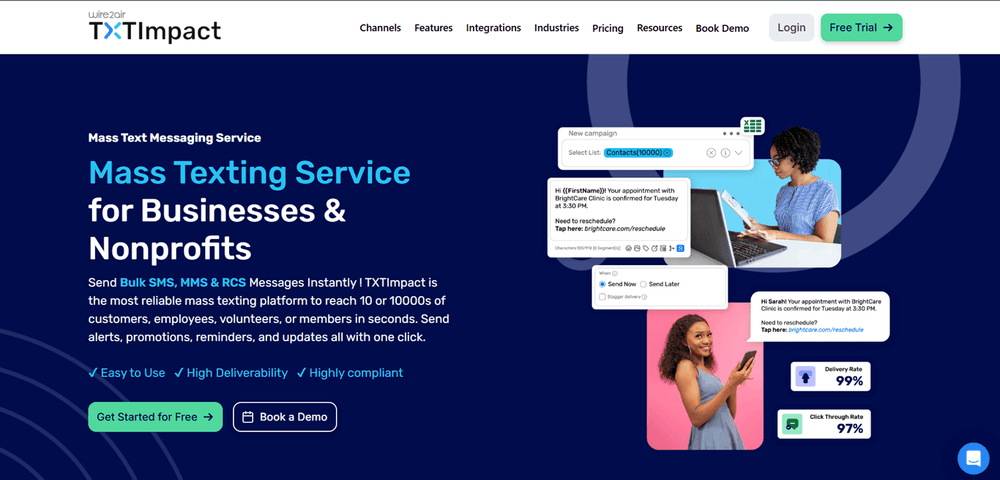
We have added TXTImpact to the top of the list not only because we are biased, but also because it’s one of the most affordable, reliable, and feature-rich emergency mass texting services for businesses of all types and sizes. It offers a highly intuitive, compliant bulk texting service for businesses and non-profits with high deliverability and a wider reach.
You just need to craft a single message, and TXTImpact’s cloud-based SMS platform delivers it to the entire list quickly and effectively, saving you time and effort. In addition to businesses, IT companies, and healthcare professionals, the platform is well-suited for construction workers, manufacturing and logistics workers, and field workers.
With TXTImpact, businesses can create unlimited groups and segments to send targeted messages to specific employee groups and departments, tailored to their needs.
Key features:
- Schedule broadcast messages for events like service maintenance, pre-planned power or server shutdowns, or facility closures, ensuring employees are informed on time.
- Easily import mobile numbers into targeted contact lists and remove unwanted numbers to avoid accidentally sending messages.
- Leverage two-way messaging by replying to employees’ messages and feedback, and also forward texts to email and vice versa with text-to-email and email-to-text services for efficient communication.
- Create multiple accounts and manage access controls so users and employees don’t receive unintended emergency notifications that cause panic; instead, texts are delivered to the appropriate groups.
- Real-time SMS and MMS delivery reports allow you to check how many people received your messages during emergencies.
- MultiChannel Messaging Options: Beyond SMS and MMS, TXTImpact enables businesses to send mass alert messages through RCS, WhatsApp, and Unified API, with automatic SMS fallback if a channel fails. Email alerts can also be converted to SMS and vice versa.
- Automatic opt-out handling lets users opt out of receiving texts at any time, ensuring regulatory compliance. With the Unicode feature, businesses can leverage multilingual messaging support, sending emergency alerts in several languages to specific locations.
Other features offered by TXTImpact’s mass texting service include adding images and other media, personalization, live polling and surveys, integrations with CRMs and other applications, and support for shortcodes and 10DLC.
Pros:
- Guaranteed message delivery during times of crisis
- 24/7 dedicated support
- High reliability and global reach
- No app required
Cons:
- More integration options can be added
Pricing:
TXTImpact delivers one of the most competitive SMS pricing models in the industry. Plans start at $29/month, SMS credits from just $0.0387 each, and high-volume messaging rates drop as low as $0.0075 per message.
Best For:
Businesses of all sizes requiring an affordable, intuitive, and fast emergency SMS delivery.
2. Everbridge
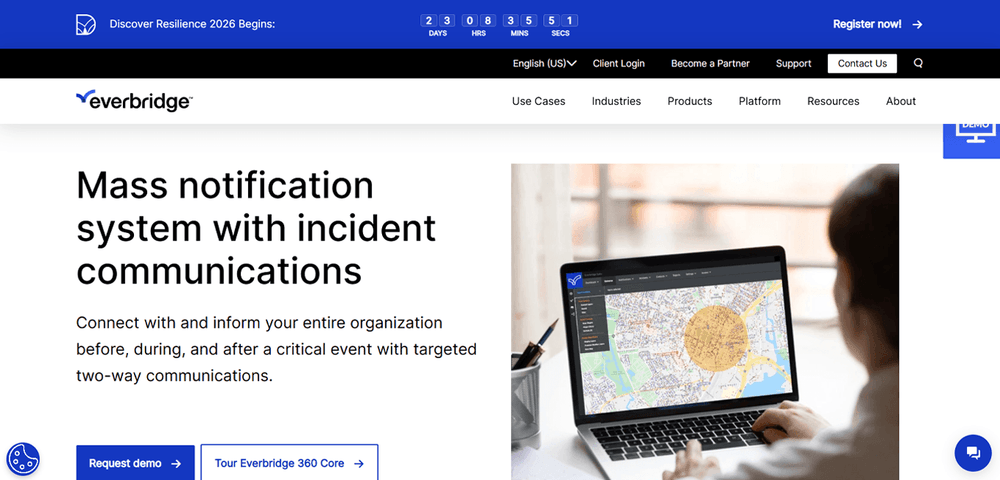
Everbridge allows you to send targeted mass notifications to your entire organization before, during, and after critical events and emergencies, such as workplace violence, severe weather, power outages, active shooters, and IT disruptions.
It comes with a simple, intuitive dashboard, preconfigured templates, and guided automated workflows, making it ideal for SMBs and large enterprises alike.
Additionally, the platform supports high-volume messaging through SMS, email, voice, and mobile apps.
Key features:
- Provides robust security and access controls with 325+ controls, protecting data.
- Send geo-targeted alerts and location-based notifications to selected individuals and groups across multiple devices and 25+ contact channels, including text, email, voice, desktop alerts, digital signage, and mobile app notifications.
- Provides global reach with personalized messages to a global audience in any language.
- Seamless integration with HR systems, IoT devices, and security tools.
- Ensures high compliance and audit-readiness through real-time reporting and monitoring.
Pros:
- Highly reliable and scalable
- Advanced automation and geo-intelligence
Cons:
- Higher pricing compared to SMB-focused tools
Pricing:
Custom pricing based on organizations’ size and usage
Best For:
Large enterprises and businesses needing an advanced, global emergency texting solution.
3. Udext
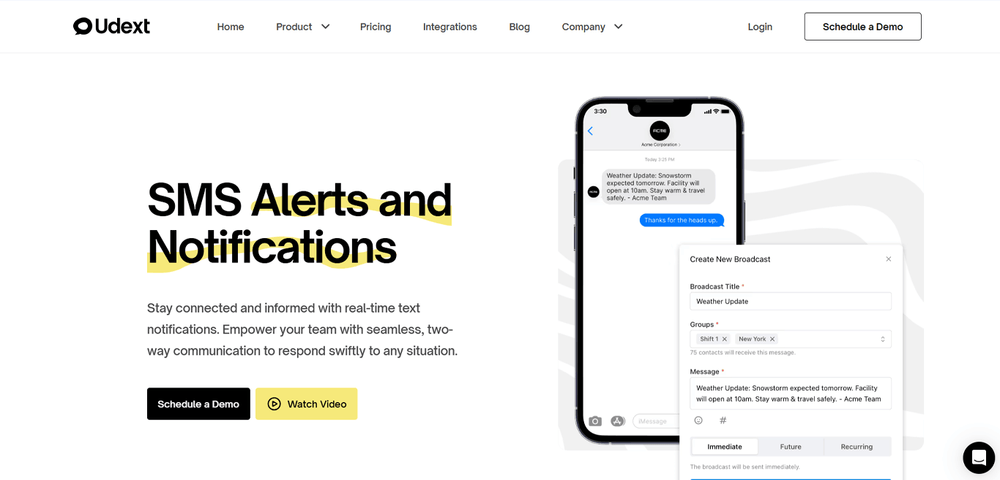
Udext provides a reliable, easy-to-use SMS communication platform for sending alerts and notifications to employees and workers who don’t sit at desks.
It comes with an exclusive threat monitoring center that alerts and updates your organization about weather changes and natural disasters with live tracking, ensuring safe and uninterrupted operations.
The platform relies on text and SMS communication, making it ideal for quick, instant delivery when Wi-Fi and mobile data aren’t available. Additionally, it includes employee message templates, allowing you to reuse repetitive alert messages with a single click.
Key features:
- Advanced employee grouping to tailor alerts based on departments, locations, and shifts, ensuring accurate message delivery.
- Incident reporting forms and logs, which you can keep centralized in one place, to streamline reports and records maintenance and ensure compliance.
- Schedule messages in advance with a specific date and time, so you can send them whenever needed.
- Comes with 200+ HRIS and payroll integrations, ensuring accurate and updated information at your fingertips.
- Provides two-way auto-translation in over 110 languages, ensuring clear communication.
Pros:
- Omnichannel communication support
- Good automation capabilities
Cons:
- Emergency-specific features are less mature
Pricing:
Custom pricing based on the company’s usage
Best For:
Businesses need an intuitive emergency texting system with no learning curve and advanced integrations.
4. AlertMedia
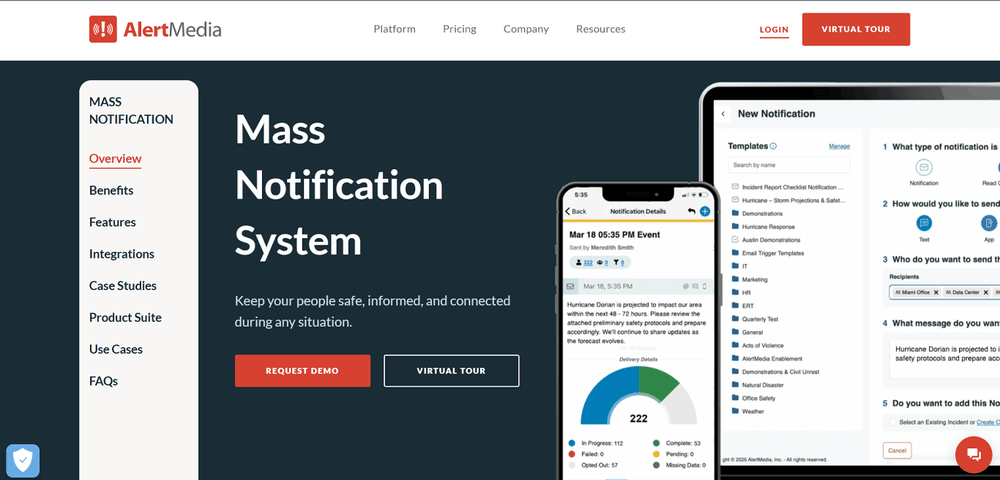
AlertMedia is an SMS and unified risk intelligence and response communication platform designed to send instant text notifications during emergencies.
It comes with an intuitive dashboard and is designed for speed, simplicity, and scalability, allowing you to act quickly and communicate clearly from anywhere in the world. Moreover, it includes a built-in AI Assistant that quickly and effectively creates and translates clear alerts.
Key features:
- Comes with pre-approved templates and AI-guided suggestions, enabling you to send tailored messages in seconds.
- Two-way communication, allowing you to send real-time updates and safety confirmations across multiple channels, including email, SMS, voice, Teams, and more.
- Real-time insights let you track and confirm message delivery and engagement, so you can escalate issues as needed and close the gaps.
- Integrated threat intelligence allows you to pair alerts with expert-vetted threat data, providing employees with complete context and improving response time.
Pros:
- Advanced threat intelligence and situational awareness platform
- Dynamic user segmentation
- Incident analytics and reporting
Cons:
- Premium pricing for advanced features
- Limited customization for smaller plans and budgets
Pricing:
Custom pricing
Best For:
Mid-sized to large organizations focused on employee safety and crisis management.
5. Singlewire
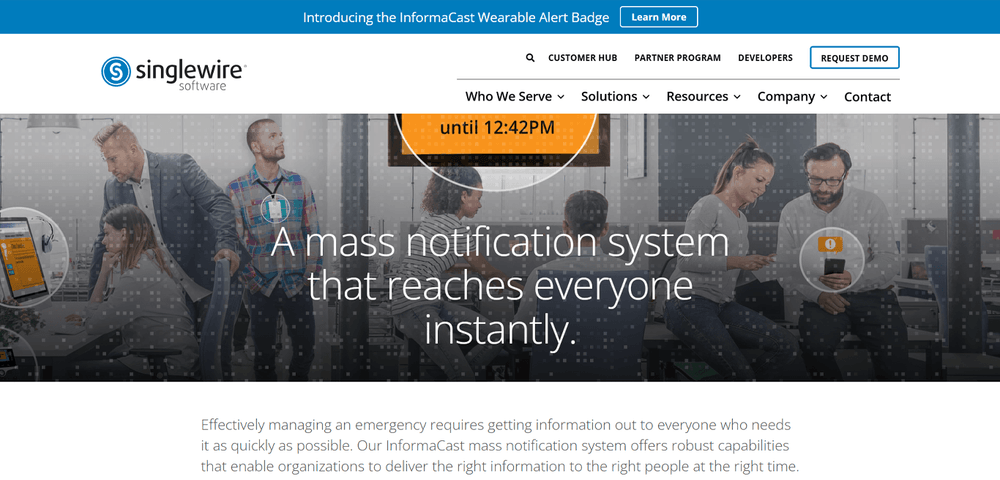
Singlewire is a text notification system that integrates with the InfomaCast mass notification app, offering robust capabilities that make it easier to send bulk emergency messages to the right people at the right time.
It includes a wide range of manual and automated alerts that notify employees and workers about critical emergencies.
Key features:
- Offers audio, text, and visual alerts, ensuring the message is read, seen, and heard by everyone.
- Offers mobile notifications and alerts, ensuring messages reach everyone, no matter where they are present.
- Build groups and zones to direct messages to specific individuals and teams, such as security teams and administrators.
- Provides several technology integrations, including Webex, Zoom, Cisco, and more.
Pros:
- Strong infrastructure integrations
- Reliable for facility-wide emergencies
Cons:
- Complex setup, may require IT involvement
- Less suitable for remote teams
Pricing:
Custom pricing
Best For:
Healthcare facilities, manufacturing plants, campuses, and large office buildings.
6. Rave Alert
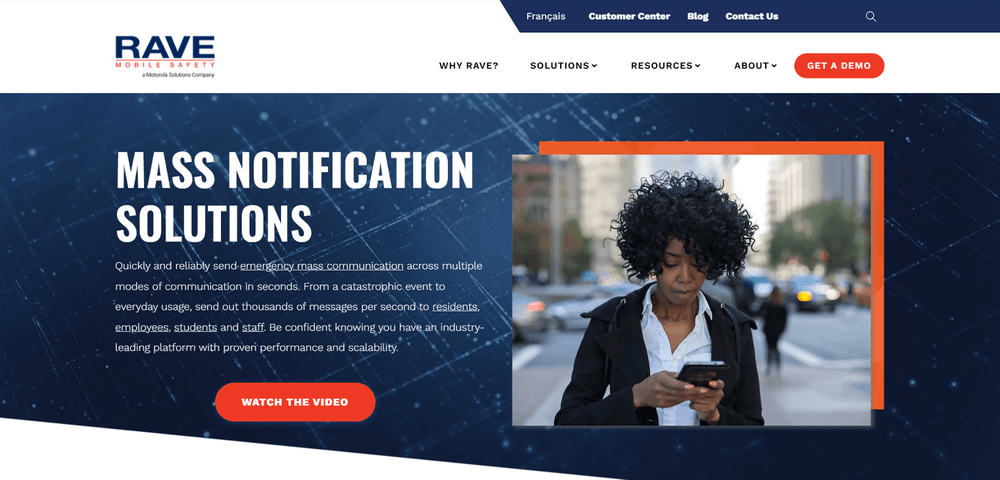
Rave Alert is an easy-to-use and deploy emergency notification system that sends cloud-based notifications via email, text, voice, social media, sirens, digital signage, and more.
It serves enterprises, local governments, and schools that need a fast, reliable alerting system with supported templates and automation, helping you save time during critical situations.
Key features:
- Provides a large alert confirmation pop-up that helps organizations ensure the messages are not sent to unintended recipients.
- Provides role-based access control, ensuring administrators only see modes and contacts businesses want them to see.
- Let's businesses view real-time reports, including notification speed and responses, providing insights into the effectiveness of the communications.
Pros:
- Strong real-time and geo-targeted alerting
- Excellent mobile-app experience
Cons:
- The interface may feel dated to some users
- Pricing may be high for small businesses
Pricing:
Custom pricing
Best For:
Educational and safety-focused organizations need location-specific alerting solutions
7. Regroup Mass Notification
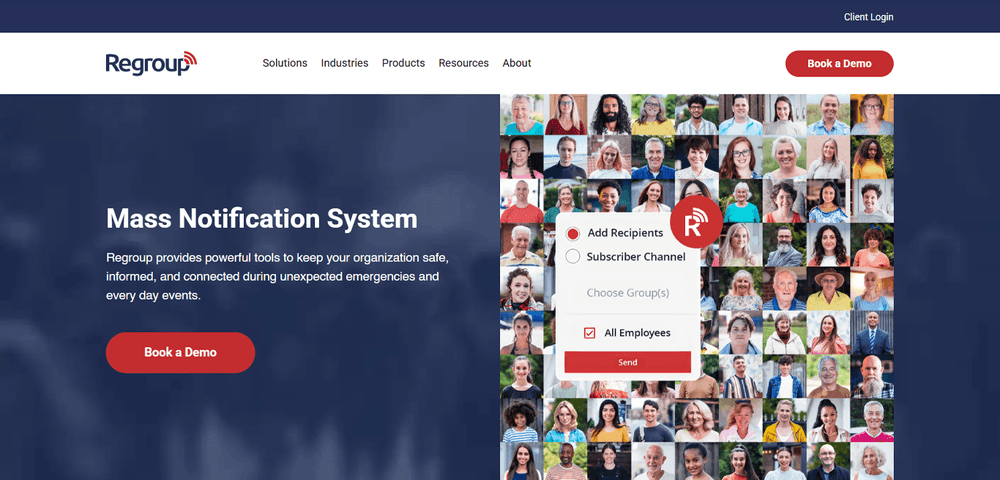
Regroup provides an easy-to-use mass notification platform for delivering timely warnings, routine updates, and emergency alerts to the right people at the right time. It provides a multiple-channel communication strategy, enabling businesses to reach people via SMS, email, phone, digital signage, desktop alerts, push notifications, and more.
Besides, it also allows businesses to save time and effort with pre-programmed message templates and to create as many groups as needed to send alerts to desired individuals.
Key features:
- Supports two-way messaging, enabling recipients to share updates and real-time feedback with senders to improve information flow and response time.
- Support geofencing, which helps businesses target people by location to keep them alert and informed when entering or exiting specific locations
- Helps businesses employ customizable polls and surveys to gather real-time feedback, make informed decisions, and enhance situational awareness.
- Sends alerts and notifications in over 130 + languages based on the user’s device settings, ensuring effective communication.
Pros:
- Easy to use and deploy
- Affordable compared to enterprise tools
- Flexible for SMBs
Cons:
- Limited threat intelligence features
- Fewer advanced automation options
Pricing:
Custom pricing
Best For:
SMBs looking for a reliable emergency notifications system.
8. Crisis Control
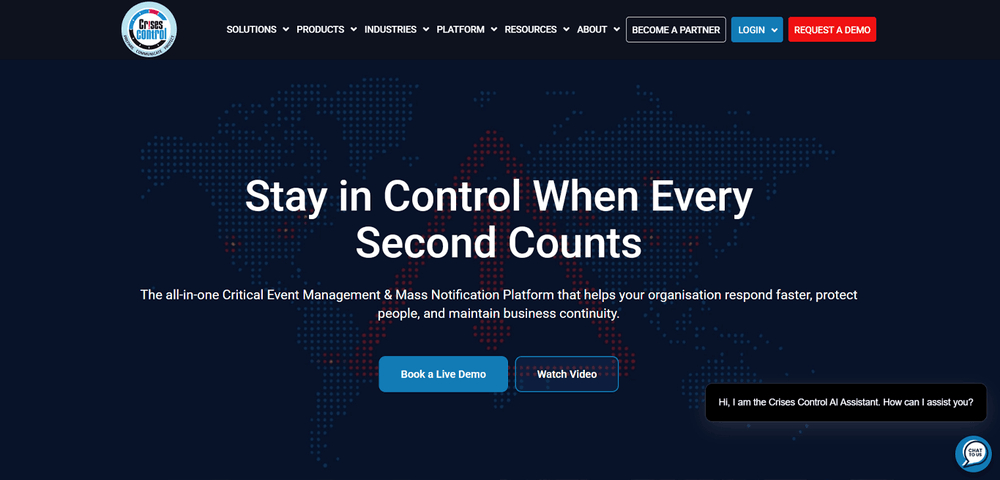
Crisis Control is an all-in-one critical event management and mass notification platform that helps maintain business continuity with faster response management.
The multi-channel mass notification system provides real-time tracking with automated escalation, with critical features, such as delivery confirmation, message templates, and geographic targeting.
Moreover, it also supports risk assessment, plan development, maintenance, and regular testing to enable comprehensive continuity planning.
Key features:
- Streamlined incident management with task automation, incident classification, team assignment, and real-time updates.
- Comprehensive incident tracking and reporting with audit trails, custom reports, compliance documentation, and performance metrics.
- Provides response rate analytics with a performance dashboard, trend analysis, and improved recommendations.
- Seamless team collaboration and communication with smart alerts, mobile-first design, and advanced security.
Pros:
- Strong international coverage
- Simple alert activation
Cons:
- Less modern interface
- Fewer third-party integrations
Pricing:
Custom pricing
Best For:
Global businesses with international operations
9. CodeRED
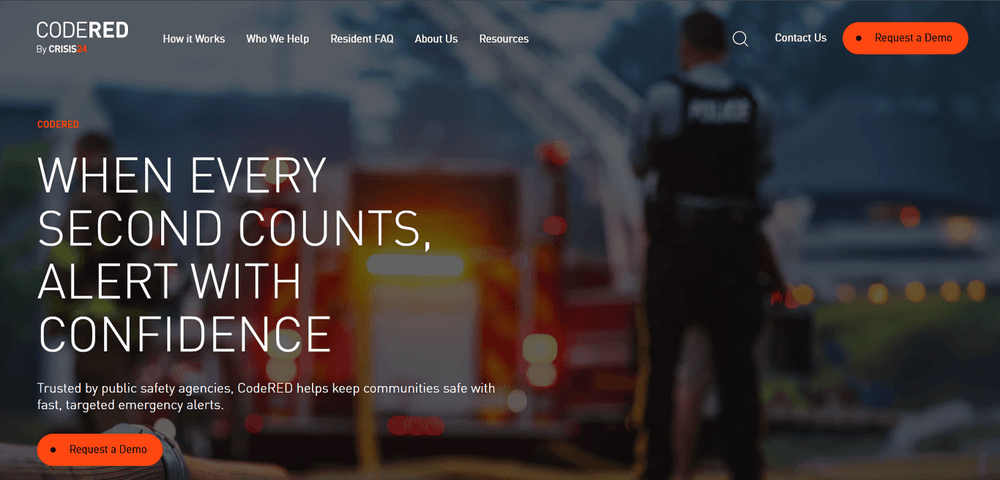
CodeRED is specifically designed for public safety agencies to keep communities safe and secure with fast, targeted emergency alerts.
With a mobile-ready dashboard and easy-to-use interface, CodeRED offers multichannel reach, enabling businesses to reach via SMS, phone, email, and IPAWS.
Key features:
- Provides a custom alert format for all devices and auto-translation capabilities to send messages in preferred languages to specific locations.
- Comes with a scalable and reliable infrastructure with a customized user experience.
- Enables two-way communication with detailed delivery and response rates.
Pros:
- Fast message delivery
- Proven reliability during crisis
- Strong geo-targeting capabilities
Cons:
- Less flexible for marketing and non-emergency use
- Limited UI customization
Pricing:
Custom pricing
Best For:
Businesses requiring high-speed, mission-critical emergency alerts
SMS vs App-based Emergency Mass Notification System
When choosing an emergency mass notification system, one of the most crucial decisions for businesses is whether to use SMS-based alerts or app-based notifications.
While both approaches have strengths and weaknesses, choosing the one that best meets your business needs is important.
When businesses need a solution in real, high-time emergencies, SMS-based alerts work best as they offer immediacy and universality. Here’s why SMS-based platforms prove to be highly effective and beneficial for enterprises during emergencies and critical situations:
- SMS offers the fastest and widest reach for every employee, contractor, field worker, and frontline staff, regardless of device type, location, or technical skills.
- SMS doesn’t rely on internet access, prior user setup, or app installation, making it highly reliable during power outages, network disruptions, and natural disasters.
- Modern SMS notification systems also allow businesses to schedule alerts, segment recipients by role or location, create pre-approved templates, and access real-time delivery reports.
- Besides, SMS provides an exceptionally high open rate and is typically read within minutes, making it hard to ignore when urgency is critical.
App-based notification systems, on the other hand, offer richer functionality and deeper engagement; however, they are not suited for urgent notifications and alerts. They work best in a controlled and internal environment where adoption is guaranteed. Hence, they only work if users or employees have the app installed, internet access is available, and notifications are enabled, limiting their reach and delivery compared to SMS-based alerts.
Hence, when you’re looking for a notification system for sending real-time alerts and emergency notifications, choosing an SMS-based notification system is the right choice for your business.
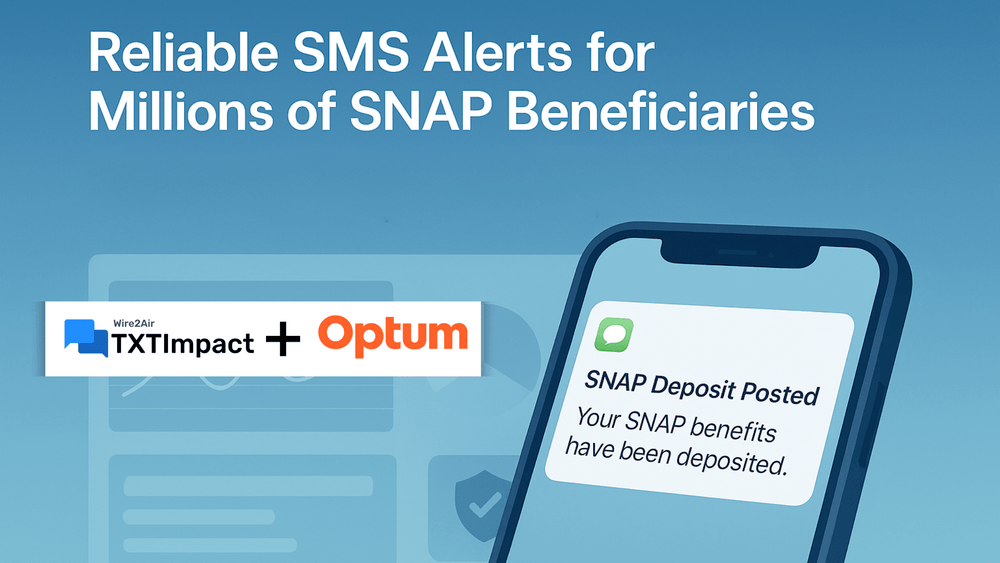
Case Study: Optum SNAP Uses TXTImpact’s Mass SMS Alerts | |
Optum SNAP offers healthcare and government program services, and for them, ensuring timely communication is critical to keep users informed and supported.
They always faced the challenge of security and compliance issues, scalability and reliability, and sending timely critical updates. | |
To address and solve these challenges, Optum SNAP adopted TXTImpact’s mass texting and alerting solution to leverage features such as real-time messaging, universal access, high-volume throughput, compliance regulations, and guaranteed delivery.
This resulted in Optum SNAP experiencing fast message delivery, always-on service, lower support load, statewide scalability, and improved access and equity. | |
Features to Look into When Choosing the Right Mass Notification System
Here are the top features businesses must look into and evaluate when choosing the right mass notification system for their business:
- Workforce type and accessibility: While businesses with desk employees may benefit from desktop pop-ups or app-based alerts, non-desk workers, such as construction workers and field workers, must prioritize voice and SMS alerts.
- Speed, reliability, and deliverability: High speed and real-time delivery are non-negotiable during emergencies. Look for platforms that support near-instant delivery, high-volume alert delivery without delays, including peak congestions, and delivery confirmations.
- Compliance, reporting, and audit trails: Look for emergency systems that comply with OSHA and HIPAA regulations and provide message logs, audit trails, access controls, and delivery confirmations, helping enterprises demonstrate due diligence.
Final verdict
Emergencies are unpredictable and can occur at any time and anywhere, but your response towards handling them doesn’t have to be. Not all emergency notification systems are built the same; they cater to different business needs.
The tool you choose should not only meet your specific business and workforce needs but also ensure high scalability, compliance, uptime, and business continuity.
TXTImpact’s mass texting service provides all these features and more, with high deliverability, personalized experiences, and streamlined setup and registration. Besides, its intuitive dashboard and dedicated support make it ideal for teams and enterprises of all sizes. If you’re looking for the best SMS tool for emergency alerts targeting frontline workers in manufacturing plants or for internal communication, TXTImpact helps meet all your scalable business needs. Start your free trial today or simply contact us to get started.
💡 Also Read: Top 9 Simplified Alerts Alternatives and Competitors (Compared) |
Frequently Asked Questions
♦ Are emergency mass notification systems ideal for remote or hybrid teams?
Yes, absolutely. Cloud-based and SMS-based emergency notification systems are ideal for remote teams. TXTImpact’s mass texting service is ideal for a wide range of industries, including healthcare, retail, sports, law firms, and IT.
♦ Can I customize emergency mass notification systems for different situations?
Yes, you can create scenario-specific templates for events such as power outages, evacuations, cyberattacks, or weather alerts to ensure clarity and prevent confusion during high-stress situations.
♦ How secure are emergency mass notification systems?
Reputable, reliable platforms such as TXTImpact use strong encryption, role-based access controls, and detailed audit logs to meet regulatory and security requirements and protect sensitive information.
♦ Do mass notification systems support multilingual messaging?
Several platforms offer language-based delivery and automatic translation based on user preferences, making them ideal for diverse and global workforces.
♦ How quickly can I deploy the emergency mass alert system?
You can deploy most cloud-based notification systems within hours, days, or weeks, which typically involve creating templates, uploading contacts and business details, and configuring access controls.
♦ Which Emergency SMS platforms support 10k+ recipients for retail chains?
Platforms, such as TXTImpact, that are built for scalable enterprise usage and high-volume messaging support contacts and distribution lists well above 10,000 recipients, ensuring alerts reach large, distributed, retail workforce even during peak network traffic.
About the Author:
 | Tejal Sushir (Content Writer) Tejal Sushir is a content writer with 4+ years of experience writing fresh and insightful content for B2B SaaS companies. She has delivered top-performing and top-ranking blogs in the SMS marketing, Digital Marketing, web hosting, AI & ML, cybersecurity, WordPress, HR Tech, and technical SEO domains. Her meticulous research when writing content ensures industry expertise and keeps up with emerging trends. |