Spam Text Messages: How to Protect Yourself and Your Data
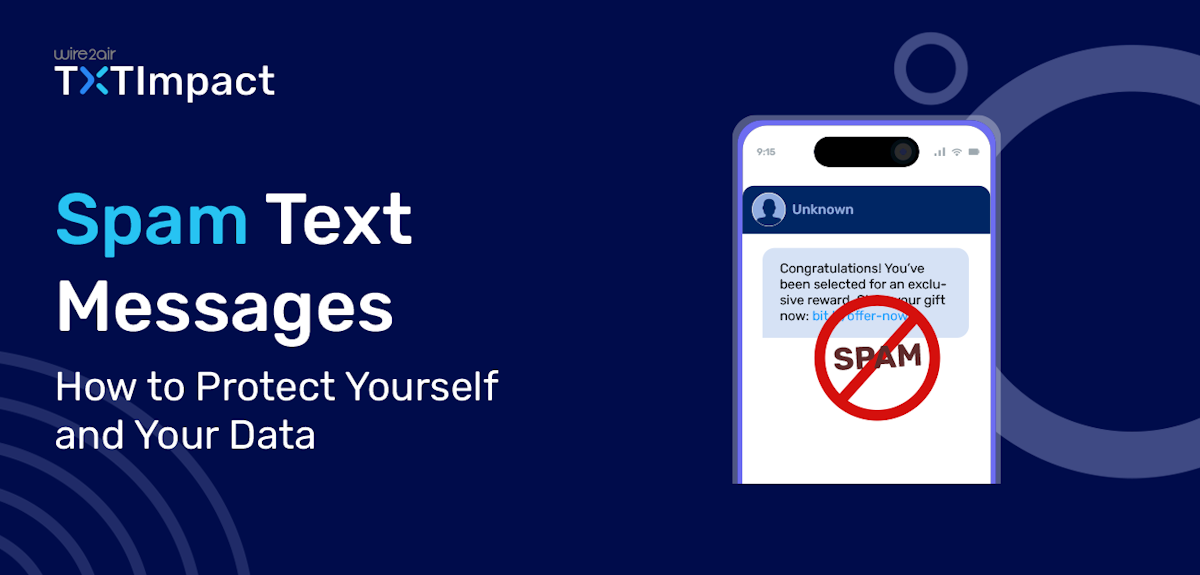
In today’s digital world, spam text messages have become a frustrating and all-too-common problem. Whether it’s a fake offer for a free gift, a suspicious link, or a threatening message demanding immediate action, these unwanted texts can range from annoying to downright dangerous.
In 2023, Americans received over 14.5 billion spam text messages, a 30% increase from 2022. (Source: RoboKiller 2023 Spam Text Report) and it is about to increase further with alarming rate.
But the good news is, You don’t have to put up with them. With a few simple steps, you can protect yourself from spam texts and reduce the risk of falling victim to scams.
Here’s everything you need to know to identify, block, and report spam text messages effectively.
How to Recognize Spam Text Messages
Spam texts often have telltale signs that make them easy to spot. Here’s what to look for:
Unknown senders: Messages from numbers you don’t recognize.
Too-good-to-be-true offers: Promises of free prizes, discounts, or money.
Requests for personal information: Texts asking for passwords, Social Security numbers, or bank details.
Suspicious links: URLs that look strange or lead to unfamiliar websites.
Urgent or threatening language: Messages that pressure you to act quickly, like “Your account has been compromised!”
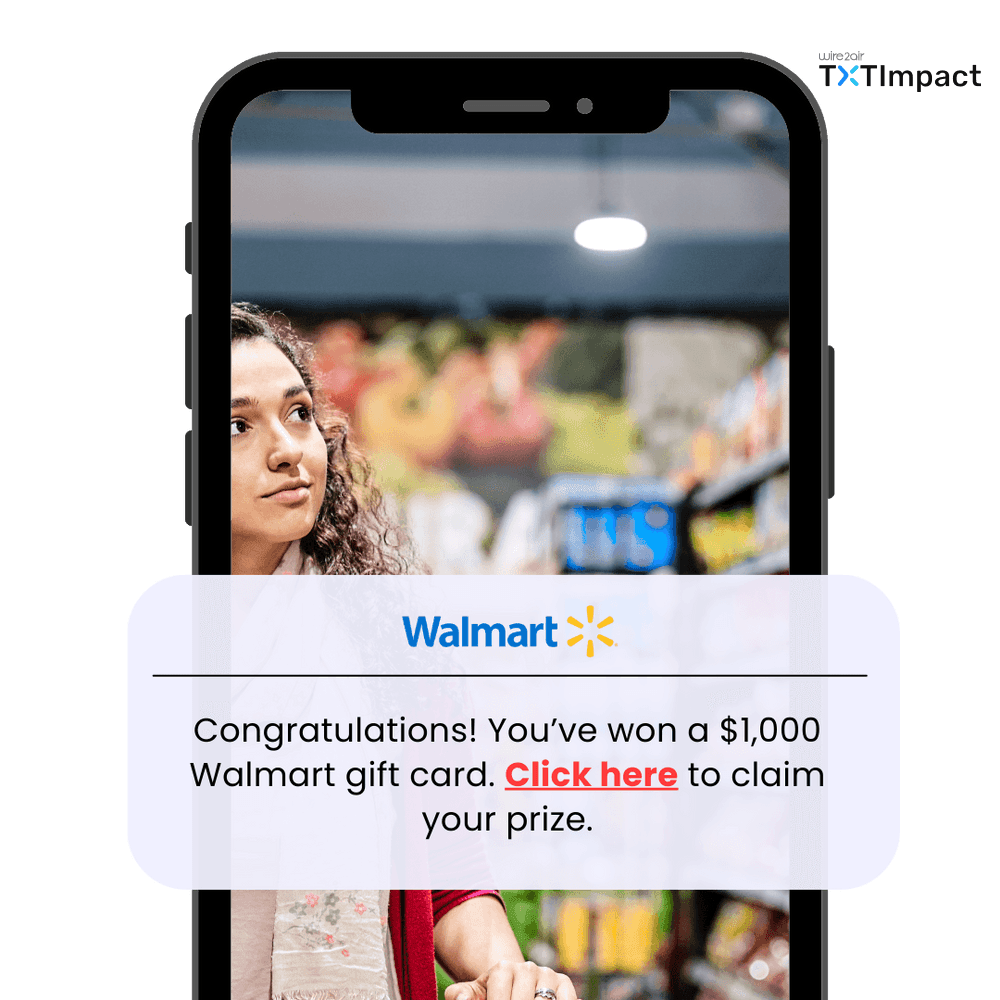
Example: Imagine receiving a text that says, “Congratulations! You’ve won a $1,000 Walmart gift card. Click here to claim your prize.” The link takes you to a fake website asking for your credit card details to cover “shipping fees.” This is a classic example of a spam text scam.
Reference: UPS Warns About Delivery Scams
1. Don’t reply or click on links: Responding or clicking links can confirm to spammers that your number is active, leading to even more unwanted messages. Worse, clicking a link could expose your phone to malware or direct you to a phishing website designed to steal your data.
2. Block the number: Use your phone’s built-in blocking feature to prevent future messages from that sender.
3. Delete the message: Once you’ve taken the necessary steps, delete the text to avoid accidentally interacting with it later.
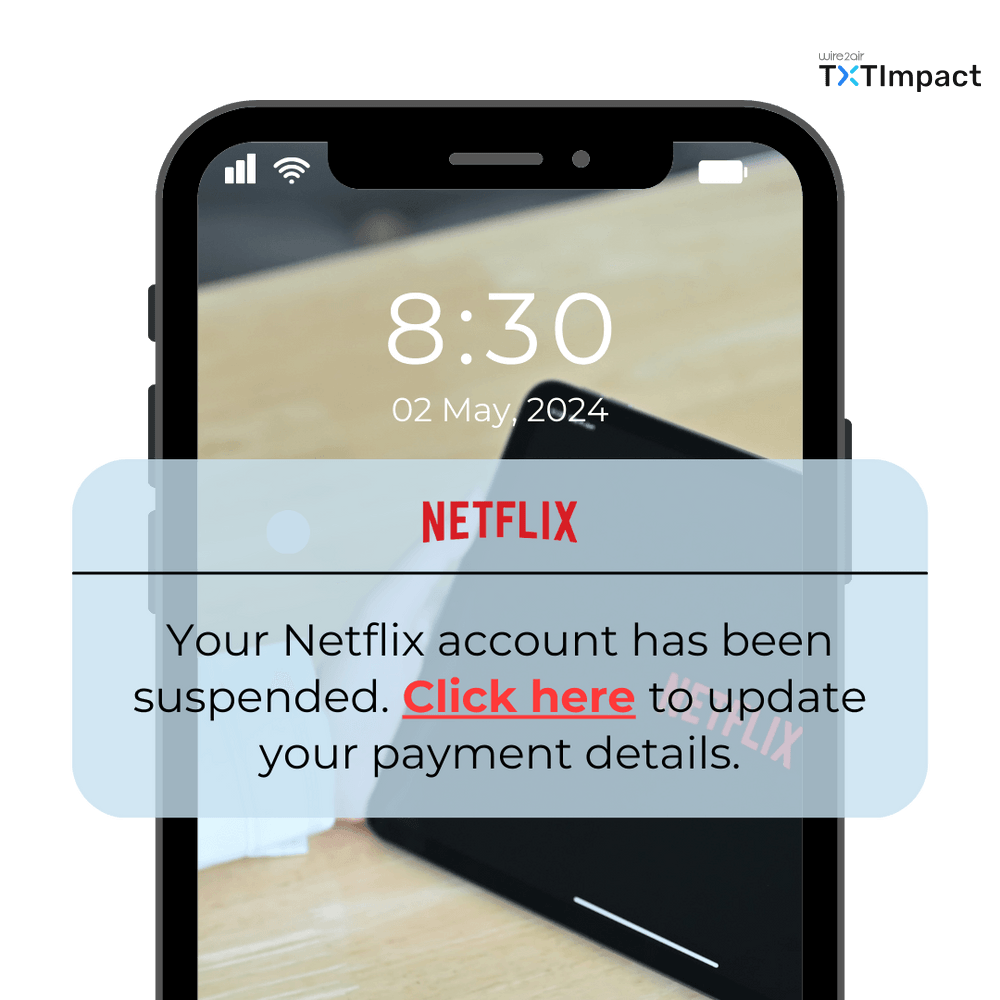
For Example:
If you received a text saying, 'Your Netflix account has been suspended. Click here to update your payment details,' you almost fell for it but realized that Netflix would never ask for sensitive information via text. At that moment, you needed to immediately block the number and report the message to your carrier.
Reference: Netflix Phishing Scam Alert
How to Block Spam Text Messages
Thankfully, there are several ways to block spam texts and keep them from cluttering your inbox:
Enable spam filters: Check your phone’s settings or messaging app for spam-blocking features. For example, on iPhones, you can enable “Filter Unknown Senders” in the Messages settings.
Use carrier services: Many wireless providers, like Verizon and AT&T, offer free spam-blocking tools such as verizon has Call Filter. Contact your carrier to see what options are available.
Download third-party apps: Apps like Truecaller or Hiya can help block spam texts and calls. Just make sure to download them from trusted sources like the Apple App Store or Google Play Store.
How to Report Spam Texts
Reporting spam text messages helps authorities and wireless carriers take action against spammers.
Here’s how to do it:
Forward the message to 7726 (SPAM): Most carriers participate in this service. Simply forward the spam text to 7726, and they’ll investigate the number.
File a complaint with the FCC: Visit the Federal Communications Commission (FCC) website to report unwanted texts.
Use your phone’s reporting feature: Many messaging apps, like WhatsApp or Google Messages, allow you to report spam directly.
Example:
Suppose you receive a text claiming to be from your bank, asking you to verify your account details. In that case, you should immediately forward the message to 7726. This will help you determine if the number is linked to a phishing scam targeting hundreds of people.
Reference: FCC Guide on Reporting Spam Texts
How to Protect Yourself from Spam Texts
Prevention is key when it comes to avoiding spam texts. Here are some tips to keep your phone number safe:
Be cautious about sharing your number: Avoid posting your phone number publicly on social media or websites. Only share it with trusted sources.
Use a secondary number: Consider using a Google Voice number or a similar service for online forms and sign-ups.
Register on the National Do Not Call Registry: While it’s primarily for telemarketing calls, registering your number at DoNotCall.gov can also help reduce spam texts from legitimate companies.
Stay Informed About Common Spam Text Scams
Spammers are constantly coming up with new tricks to catch you off guard. Some of the most common spam text scams include:
Fake package delivery notifications: Texts claiming you have a package waiting, often with a malicious link.
Bank fraud alerts: Messages pretending to be from your bank, asking you to verify your account.
Prize giveaways: Texts saying you’ve won a prize or lottery, but you need to pay a fee to claim it.
Example:
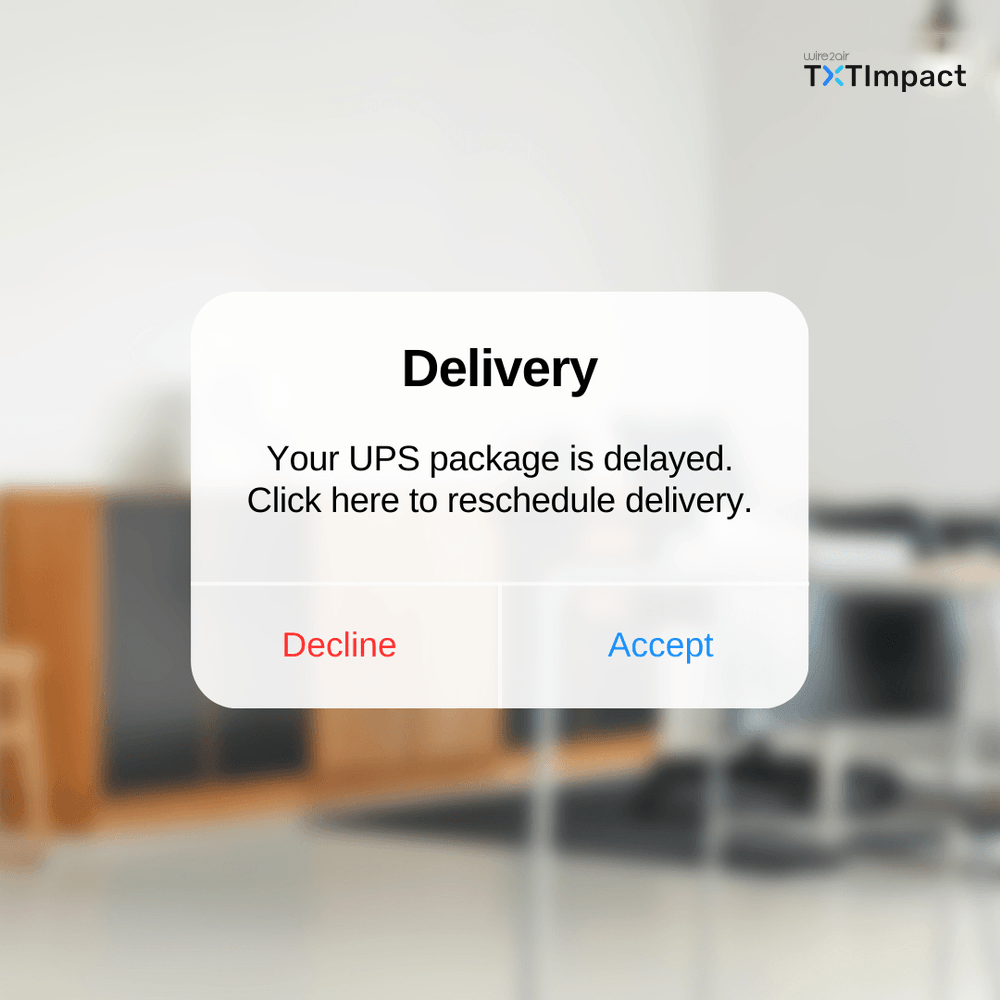
During the holiday season, many people receive texts like, “Your UPS package is delayed. Click here to reschedule delivery.” These messages often lead to fake websites designed to steal personal information.
Reference: UPS Warns About Delivery Scams
What to Do If Spam Texts Won’t Stop
If you’re overwhelmed by spam text messages and nothing seems to work, you might consider changing your phone number. While this can be inconvenient, it’s sometimes the only way to stop persistent spammers. Before taking this step, make sure to update your number with important contacts and accounts.
How TXTImpact Can Help Prevent Your Business Texts from Being Flagged as Spam?
f you're a business owner looking to Run bulk SMS or mass texting campaigns without your messages being flagged as spam, TXTImpact can help.
Here’s how TXTImpact ensures compliance with TCPA, GDPR, and CAN-SPAM regulations to safeguard your messages:
Message Filtering & Monitoring: Detects and blocks suspicious content before it reaches recipients.
Opt-In & Opt-Out Compliance: Enforces opt-in and easy "Reply STOP" options to ensure compliance.
Sender Authentication: Verifies sender IDs to reduce spoofing risks.
Rate Limiting: Controls message frequency to avoid over-messaging.
Content Monitoring: Scans messages for spammy keywords to meet carrier guidelines.
Regulatory Compliance: Ensures messages include necessary sender details and opt-in language.
Two-Way Messaging: Engages recipients authentically, reducing spam perceptions.
Analytics & Reports: Tracks performance and identifies spam risks with detailed reports.
With these features, TXTImpact ensures your business messaging remains secure, compliant, and trustworthy, boosting recipient trust and protecting your brand.
Read more : SMS Compliance Guide
Ready to ensure your messages reach your audience? Contact TXTImpact today! |
Conclusion
Spam text messages are more than just an annoyance—they can pose serious risks to your privacy and security. By staying vigilant, using available tools, and reporting unwanted messages, you can protect yourself and reduce the impact of spam texts.
Remember, if a message seems suspicious, it’s always better to err on the side of caution. Stay vigilant, use the tools available to you, and don’t hesitate to report unwanted texts. Together, we can fight back against spam text messages and make our digital lives a little safer.
💡 Also Read: ios 26 update SMS Spam Filtering Explained |
Frequently Asked Questions
♦ How to stop mass spam texts?
To stop spam texts, avoid replying to unknown senders and block the number right away. Forward unwanted messages to 7726 (SPAM) to report them to your carrier.
You can also enable spam filters in your phone settings (Filter Unknown Senders on iPhone, Spam Protection on Android) and use free carrier tools like AT&T Call Protect, Verizon Call Filter, or T-Mobile Scam Shield.
Third-party apps such as RoboKiller or Truecaller offer added protection. If the texts continue and appear suspicious, you can also report them to the FCC or FTC for further action.
♦ Why am i getting spam text messages?
You’re getting spam texts because your phone number has likely been exposed in places like online sign-ups, public lists, or data leaks, and spammers buy or harvest such numbers to send mass messages.
Additionally, many companies or services send promotional or transactional texts (sometimes even without clear consent), and spoofing or masked sender IDs make it difficult to distinguish between legitimate and spam messages. Regulations like Do Not Disturb (DND) lists exist, but enforcement can be imperfect, so messages still get through.
♦ How to prevent spam text messages?
You’re getting spam texts because your phone number has likely been exposed in places like online sign-ups, public lists, or data leaks, and spammers buy or harvest such numbers to send mass messages.
Additionally, many companies or services send promotional or transactional texts (sometimes even without clear consent), and spoofing or masked sender IDs make it difficult to distinguish between legitimate and spam messages. Regulations like Do Not Disturb (DND) lists exist, but enforcement can be imperfect, so messages still get through.
♦ How do I get my business number to stop showing up as spam?
To prevent your number from being labeled spam on TXTImpact, make sure you follow TXTImpact’s compliance guidelines: always use a registered brand identity (legal name/DBA) when registering, ensure recipients opt-in explicitly, clearly state opt-out instructions like texting “STOP,” include your business name in every message, and avoid sending messages outside allowed hours (e.g. between 8 AM and 9 PM).
Also, use the proper sender type (Local Number / 10DLC, Toll-Free, or Short Code) and provide accurate campaign registration details with sample messages. If your number is already flagged, contact TXTImpact support to review the number’s registration, verify your identity, and correct any mismatched info in their brand or campaign settings.
About the Author:
 | Rahul Kumar (Marketing Specialist) Rahul Kumar is a Digital marketer with 7+ years of experience in SEO, AEO, SMS marketing, WhatsApp marketing, SaaS, and WordPress. He has led successful growth campaigns for startups and tech brands, combining data-driven strategies with compelling content. His work has been featured on top SaaS blogs, and he’s known for turning complex ideas into high-converting digital strategies. |